you ever see an image and think “i may see something as funny as this again, but never anything funnier”
ALL RIGHT YOU LITTLE SHITS GET READY TO LEARN SOMETHING
yOU WANNA ROTATE TEXT?! well mod 5ider has got the fucking t r i c k s homie
Step one: Type something.
P E R F E C T.
sTEP TWO: FIND THE RESIZE OPTION.
You see that little resize button on your menu?
Yeah, that’s the one. you can just click that shit!
On older versions of MS Paint there isn’t this option, but you can always find it with a quick right-click.
THERE IT FUCKING IS!!!!!
STEP THREE: STRETCH AND SKEW
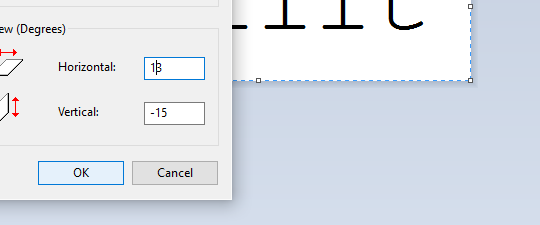
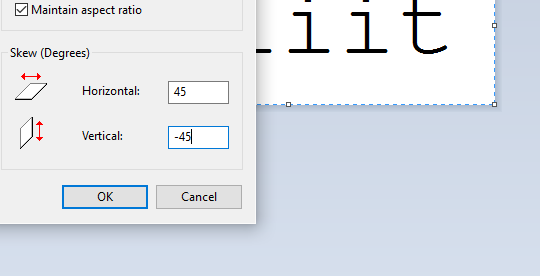
When you click resize, this menu comes up.
I’m sure you all have seen this menu before, but for those who don’t, I’ll clue you in. The top options control the length and respective width of your artwork. you can choose to alter them separately,
or all together
Using that little “Maintain Aspect Ration” checkbox there, but that’s not important right now.
wHat we’re focusing on is that skew option on the botttom.
with that you can t i l t whatever image yuo have on your screen to the left
to the right
up
and down.
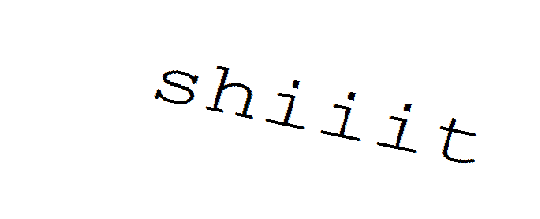
“BUT 5IDER!!!!!” you say, “THAT DOESN’T LOOK ROTATED AT ALL”
wELL HOLD ON TO YOUR LUG NUTS BECAUSE I T ’ S T I M E F O R
STEP 4: ULTRA COMBOOOOOOOO!!!!!
now, comes the fun part. unlike its aspect ratio locked cousin, the stretch and skew options work independently from one another. So, you can do things like
and
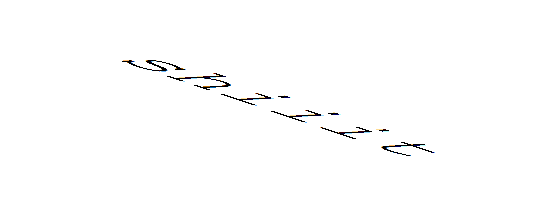
But that’s neither here nor there… what gets REALLY interesting is when your ratios are in opposite directions..
HOME RUN!
Now, before I let you go, I found out through trial and error that an angle doesn’t exactly match up with its negative dimension…
(Step 5: Angular ratios)
See? there’s a little offset between vertical and horizontal if your expect your text to appear natural instead of tilted. The only places that this offset reaches zero is at 90° (of course) and the rare and extremely dangerous 45° rotations.
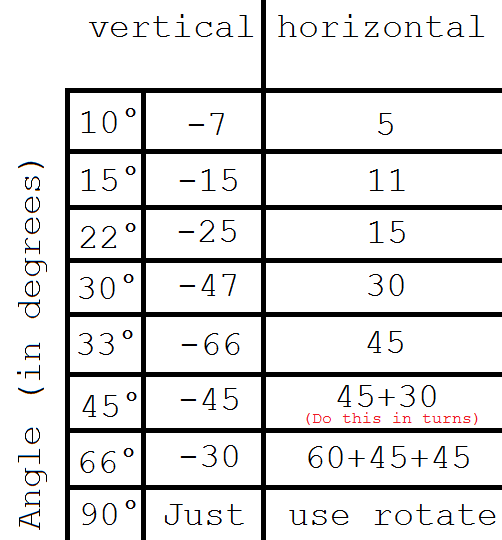
Fortunately, I’ve already mapped out a few angles that I find are very useful in my works so, for your viewing pleasure… i present my handy dandy graph
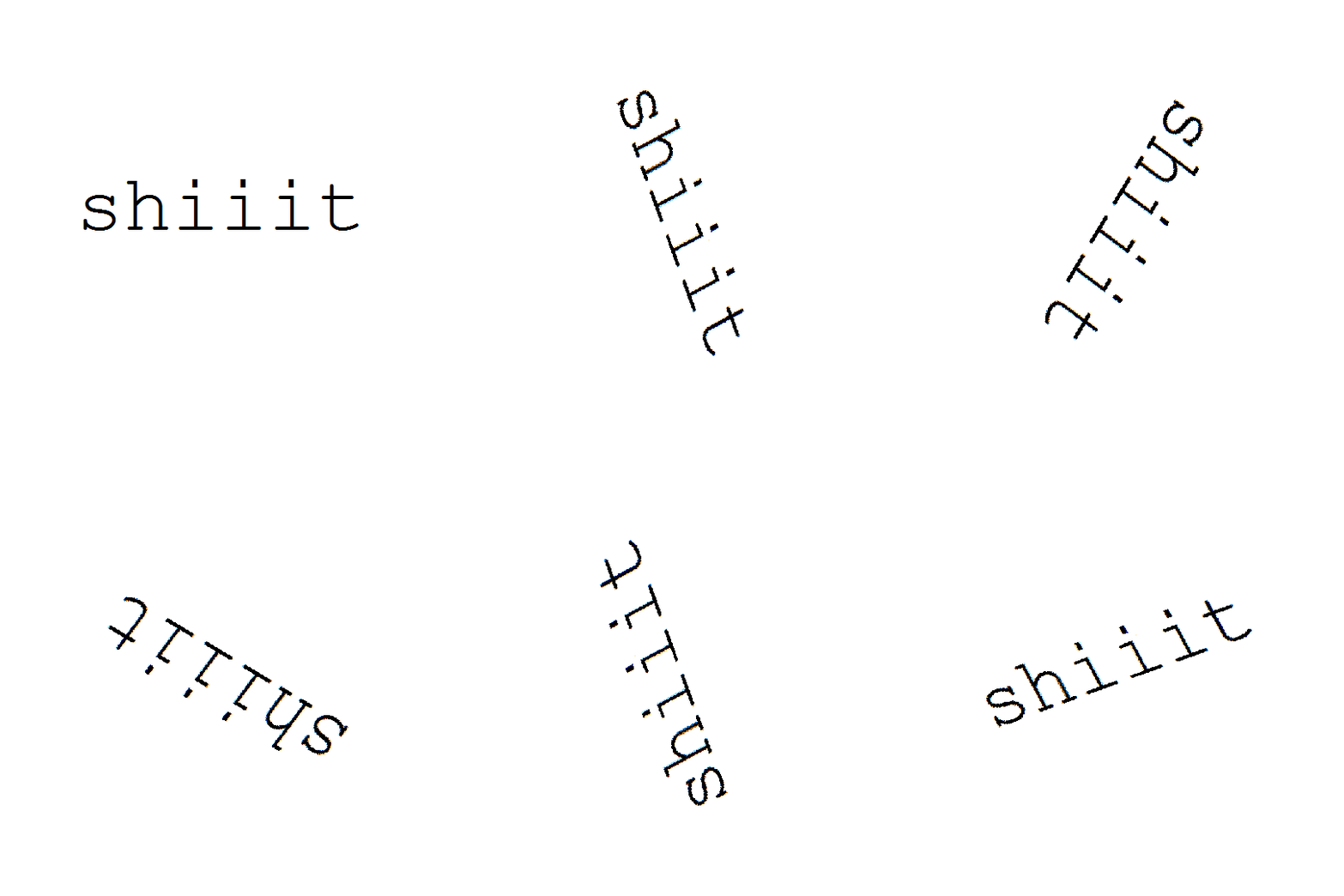
All you have to do is match up your desired angle up to its respective complement and you have quickly and efficiently rotated your first word in MS Paint.
Have fun!
You know, you guys really seemed to enjoy this post.
Should I do more MS Paint tutorials in the future?
warriorstuck by erin hussie: the ultimate middle school crossover. tigerstar is god tier and his death at scourge’s paws is ruled as just. the death of my hand after drawing most of this in one sitting was also ruled as just
The word you looking for is “liminality”. I always see it used on tumblr to refer to physical places that seem kind of eerie, but the term is inherited from anthropological use, where it refers to being in a transitional “threshold” state between two more established identities or roles. Most traditionally it means being in between formal rites of passage. Not quite here nor there.
A “liminal space”, then, is somewhere that’s not quite a destination in and of itself. Bus stations. Airports. Train cars. Applied more broadly, it’s anywhere that just has that “not a real place” vibe – like deserted grocery stores or the DMV, or somewhere that isn’t currently serving its intended function, like abandoned fairgrounds or water parks in the winter. Eerie vibes.
BUT I really do encourage people to think about liminality in its original application more often – I think it’s a super useful concept for talking about stuff like gender transition and other weird complicated “not fully here nor there” social states.









 PTA archive